VoxFlux · Live Captions · AI Translation · Event Technology

VoxFlux live captions and AI translation for professional event workflows.

Browser-based live captions and multilingual AI translation built for conferences, broadcasts, hybrid events and live production environments.

Created by Web Video Streaming Ltd, VoxFlux gives AV teams, event operators and organisations production-ready tools for audience displays, relay screens, confidence monitors and live stream caption workflows.
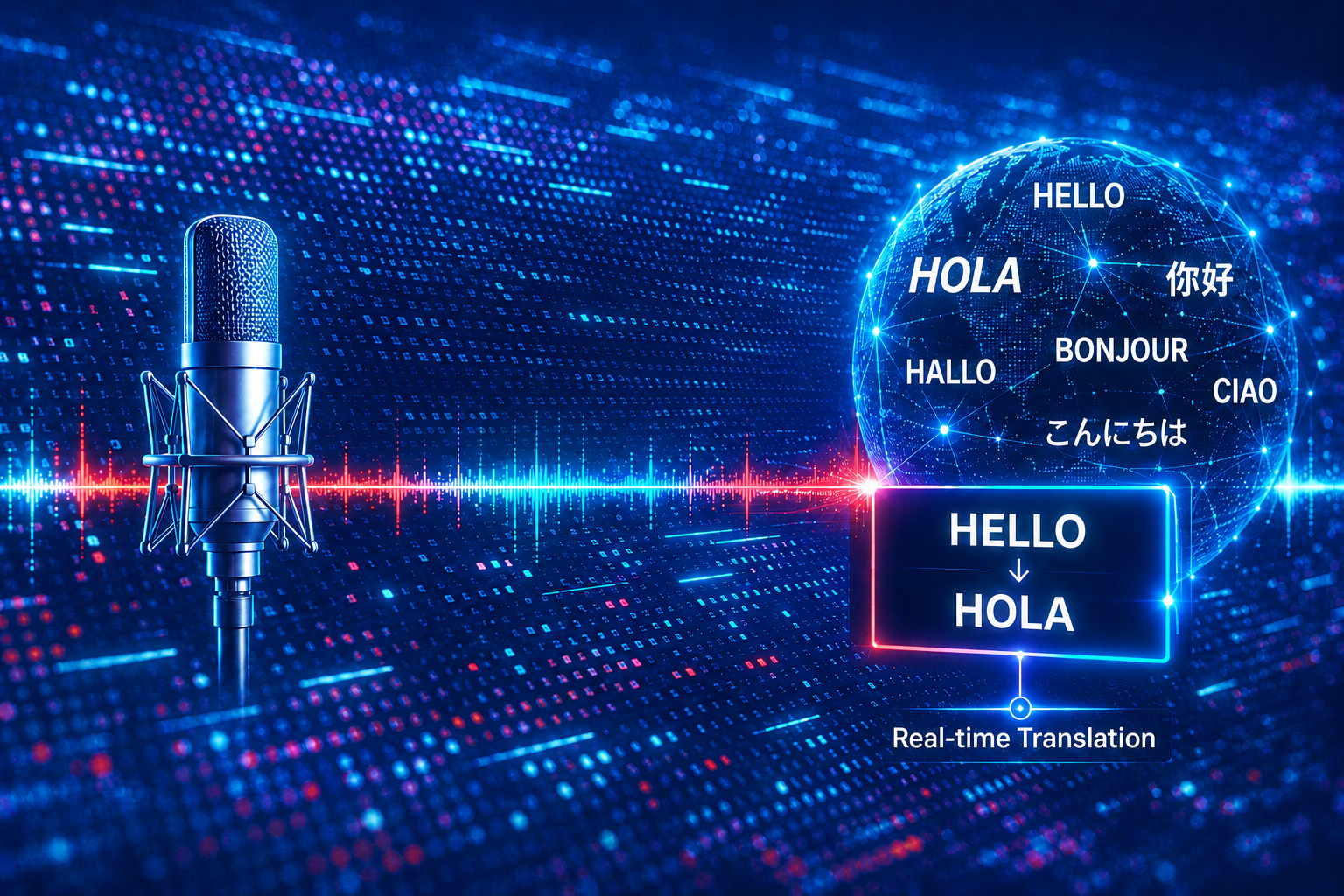

Built for AV and event professionals Designed for real live event delivery — not generic meeting transcription software.
Captions and translation where you need them Send live text to audience screens, stream overlays, presenter confidence monitors and private mobile viewer outputs.
VoxFlux live captions and AI translation platform for professional events

Why VoxFlux Exists

Built for live events, conferences and professional AV workflows.

VoxFlux was created because live event teams need captioning and translation workflows that behave like production tools — fast, controllable, browser-based and ready for screens, streams and live rooms.

Designed by event professionals, for event professionals.

Web Video Streaming Ltd has spent years delivering live streams, webcasts, hybrid events, remote presenter workflows and broadcast-style productions for corporate clients.

VoxFlux brings that live production experience into a dedicated platform for captions and translation — helping teams manage accessibility, multilingual audiences and professional output without relying on meeting software or fragile ad-hoc tools.

01

Created for live rooms

Output captions and translation to audience screens, relay displays and production monitors.

02

Built for AV workflows

Designed around browser-based control, fullscreen outputs and practical live production operation.

03

Supports hybrid events

Useful for in-room audiences, remote viewers, confidence monitors and live stream overlays.

04

Built around real delivery

Developed from the practical needs of conferences, corporate events, webcasts and broadcast workflows.

Live Event Captions AI Translation AV Teams Conference Rooms Hybrid Audiences Broadcast Outputs

How VoxFlux Works

From live audio to captions and translation in seconds.

VoxFlux converts live speech into production-ready captions and multilingual translations using a simple browser-based workflow designed for conferences, webcasts, broadcasts and hybrid events.

01

Connect your audio

Feed audio directly from a mixing desk, microphone, computer audio, streaming platform or live production workflow.

02

Generate live captions

Speech is converted into accurate real-time captions with support for custom vocabulary and event-specific terminology.

03

Translate instantly

AI-powered translation creates multilingual outputs in real time, helping audiences follow presentations in their preferred language.

04

Deliver to your audience

Send captions and translations to audience screens, confidence monitors, live streams, mobile viewers and event display systems.

Audio Input Live Captions AI Translation Audience Screens Confidence Monitors Live Streams Mobile Viewers

Live Captions

Real-time captions for screens, streams and live event rooms.

VoxFlux turns live speech into clear, readable captions for professional event environments, helping audiences follow spoken content in the room, online or through dedicated display outputs.

Production-ready caption output.

Captions can be displayed fullscreen, embedded into live production workflows or sent to dedicated viewer pages for audience members and presenters.

Custom vocabulary support helps improve accuracy for names, brands, technical terms, acronyms and event-specific language.

01

Browser-based operation

Control captions from a browser without specialist captioning hardware.

02

Fullscreen display output

Use clean caption output pages for relay screens, confidence monitors and event displays.

03

Custom vocabulary

Add event-specific names, brands and technical terms to improve recognition accuracy.

04

Live stream workflows

Use captions alongside webcast, hybrid event and broadcast production workflows.

Live Subtitles Speech Relay Custom Vocabulary Fullscreen Output Viewer Pages Event Displays

AI Translation

Multilingual translation for conferences, streams and hybrid audiences.

VoxFlux can translate live speech into multiple languages in real time, helping international audiences follow event content through browser-based translation outputs.

Designed for multilingual event delivery.

AI translation output can be used for audience screens, private viewer pages, relay displays, production monitors and live stream support.

The workflow is designed to support conferences, corporate events, panel discussions, webinars and hybrid productions where speed, clarity and simple operation matter.

01

Real-time multilingual output

Translate spoken content into audience-facing language outputs during the live event.

02

Browser-based translation screens

Use dedicated output pages for translation displays, remote viewers or production monitoring.

03

Built for live production

Designed around practical event workflows, including hybrid rooms, streams and AV operations.

04

Supports international audiences

Help multilingual attendees follow presentations, panels and corporate communications more clearly.

AI Translation Multilingual Events International Conferences Hybrid Audiences Translation Screens Live Streams

Professional Output Workflows

Production-ready caption and translation outputs for live events.

VoxFlux is designed for practical event delivery, giving teams flexible browser-based outputs for rooms, screens, streams, presenters and remote viewers.

01

Audience screens

Display captions or translated text on venue screens, relay displays or accessibility screens for in-room audiences.

02

Confidence monitors

Provide presenters, moderators or event teams with clean caption or translation displays during live sessions.

03

Live stream overlays

Use browser outputs inside webcast, broadcast and hybrid event production workflows for caption or translation display.

04

Mobile viewer pages

Give attendees a simple mobile-friendly viewer page for following captions or translation on their own device.

05

Fullscreen outputs

Use clean fullscreen browser views for HDMI output, display capture, relay screens or production routing.

06

Production monitors

Keep operators, producers and technical teams aware of live caption and translation output during event delivery.

Audience Screens Relay Displays Confidence Monitors HDMI Output Live Stream Capture Mobile Viewer

Live captions demo

See live captions and AI translation in action.

Watch a short demo of browser-based live captions and multilingual translation designed for professional event production workflows.

Use Cases

Live captions and AI translation for a wide range of event formats.

VoxFlux is designed for conferences, corporate events, hybrid productions and live communications where audiences need clear access to spoken content.

01

Conferences & summits

Support keynote presentations, panel discussions, breakout sessions and international conference audiences.

02

Corporate events

Use live captions for town halls, leadership updates, internal communications and business-critical presentations.

03

Hybrid events

Deliver captions and translation to both in-room and remote audiences using browser-based outputs.

04

Webinars & virtual events

Improve accessibility and engagement for online training sessions, webinars and virtual conferences.

05

Accessibility support

Provide speech relay screens and caption displays to help attendees follow spoken content more clearly.

06

International audiences

Translate live presentations into multiple languages to support multilingual attendees and global participation.

Conferences Corporate Events Hybrid Events Webinars Virtual Events Accessibility International Audiences Live Communications

Why Event Teams Choose VoxFlux

Built for fast setup, flexible outputs and professional live event delivery.

VoxFlux gives event teams a practical way to add live captions and AI translation to conferences, webcasts and hybrid productions without overcomplicating the workflow.

01

Browser-based workflow

Run control and output pages from standard browsers, making setup simple for event teams and AV operators.

02

No specialist hardware required

Use existing production computers, displays and routing workflows instead of dedicated captioning hardware.

03

Custom vocabulary support

Improve recognition for names, brands, technical terminology, acronyms and event-specific language.

04

Designed for live production

Created around real event workflows including audience screens, streams, confidence monitors and production displays.

05

Flexible event deployment

Support different room layouts, screen setups, hybrid audiences and multilingual event requirements.

06

Built by event professionals

Developed by Web Video Streaming Ltd from practical experience delivering corporate live events and webcasts.

VoxFlux FAQs

Common questions about live captions and AI translation for events.

What is VoxFlux?

VoxFlux is a browser-based live captioning and AI translation platform designed for conferences, webcasts, hybrid events and professional AV workflows.

Who is VoxFlux built for?

It is built for event professionals, AV teams, production companies, conference organisers and organisations that need live captions or multilingual translation during live events.

Can VoxFlux be used for live events?

Yes. VoxFlux is designed for live event environments, including audience screens, confidence monitors, live streams, relay displays and mobile viewer outputs.

Does VoxFlux support AI translation?

Yes. VoxFlux can generate real-time AI translation outputs for multilingual audiences, supporting conferences, hybrid events, webinars and international communications.

Do I need specialist hardware?

No. VoxFlux is browser-based and can work with existing event production computers, displays and routing workflows, depending on the setup required.

Can Web Video Streaming Ltd provide managed support?

Yes. Web Video Streaming Ltd can support managed event workflows using VoxFlux as part of a wider live streaming, webcasting or hybrid event production service.